
Download Webex – video conferencing, online meetings, team collaboration, secure communication, remote work
Overview
Webex is a mobile application designed to streamline remote collaboration and enhance team productivity through secure, real-time communication. Developed by Cisco Systems, Inc., the app serves as a comprehensive platform for virtual meetings, messaging, and business calling, making it a central tool for modern work environments. It is particularly suited for professionals, remote teams, and organizations that require reliable, scalable solutions for cross-location coordination.
The app addresses common challenges in digital teamwork, such as poor audio quality, communication barriers, and fragmented workflows, by integrating essential features into a single, unified interface. Real-world use cases include daily stand-ups, client presentations, training sessions, and international team coordination. Its support for real-time translation across over 100 languages enables inclusive participation from global contributors, reducing language-related friction.
Webex plays a significant role in the productivity app ecosystem by bridging the gap between in-person and remote work, supporting hybrid work models, and reinforcing secure digital collaboration. The developer’s established reputation in enterprise networking adds credibility to the app’s reliability and security standards.
Key Features & Functionality
- Real-Time Translation: Webex supports real-time language translation for over 100 languages, enabling participants from diverse linguistic backgrounds to understand meetings instantly. This feature is especially valuable in multinational teams or international client engagements.
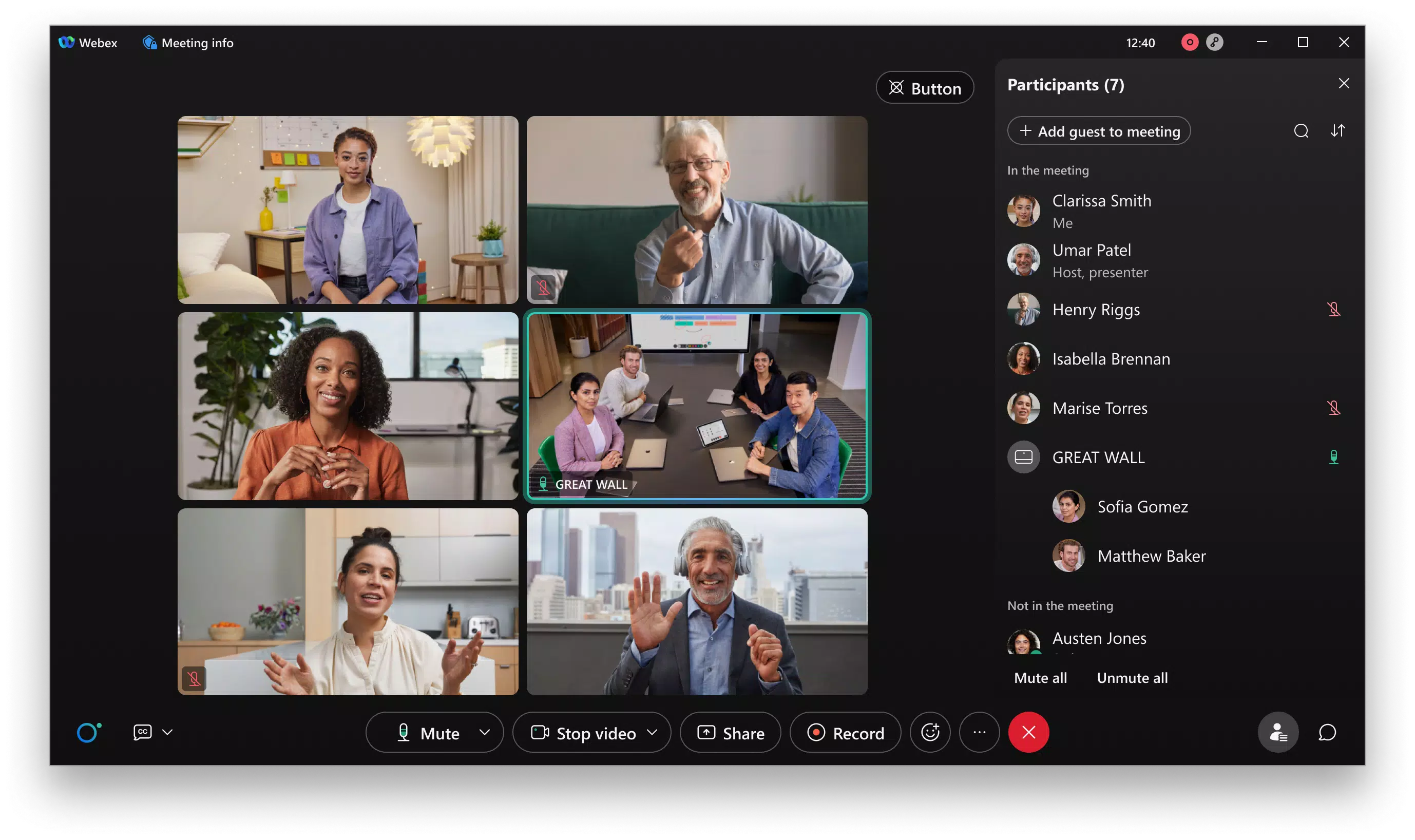
- Personalized Meeting Layouts: Users can customize how participants are displayed during video calls, ensuring that key speakers or presenters remain visually prominent, improving focus and engagement.
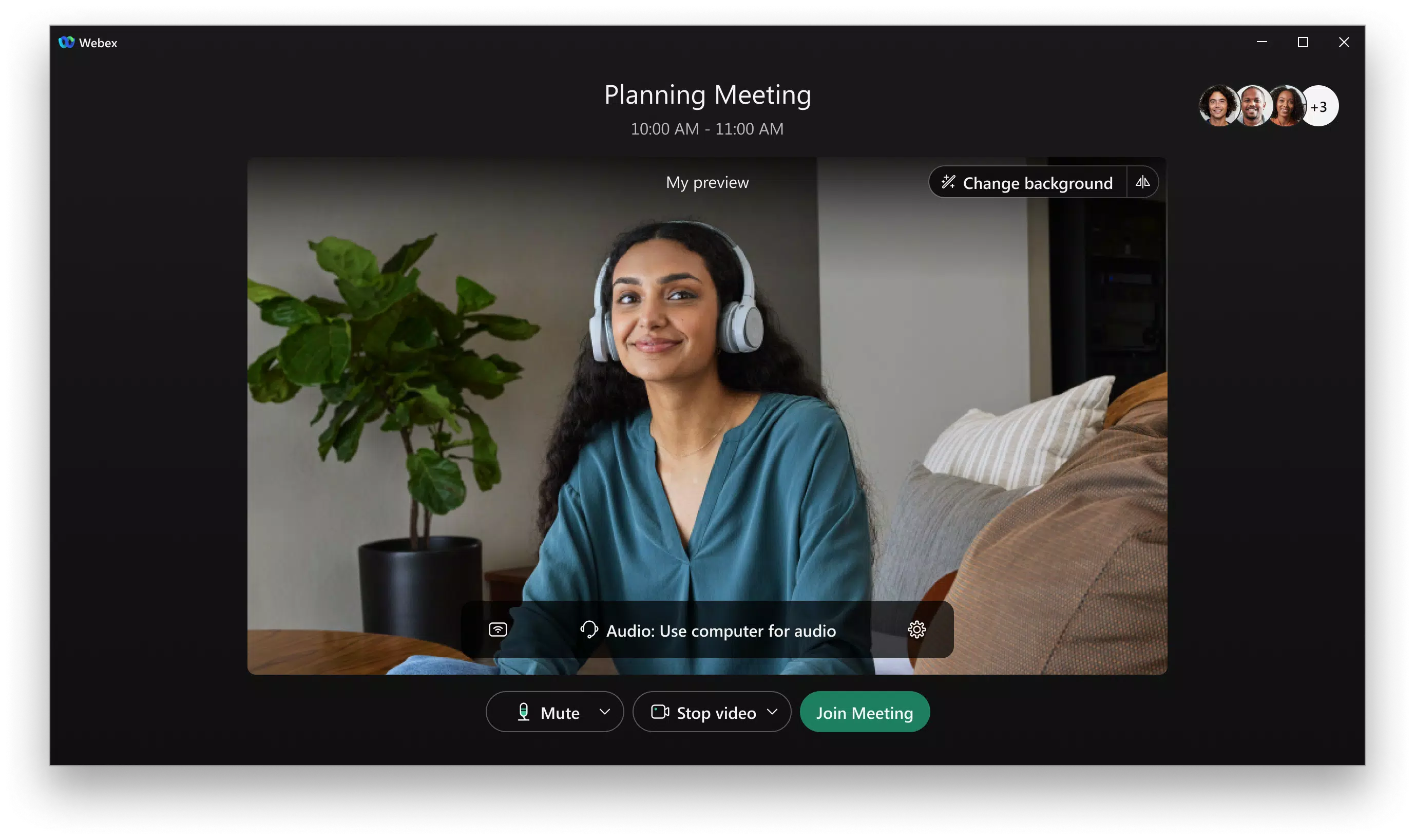
- Advanced Background Noise Removal: The app uses intelligent audio processing to filter out ambient noise, ensuring clear and uninterrupted communication, even in noisy or home-office environments.
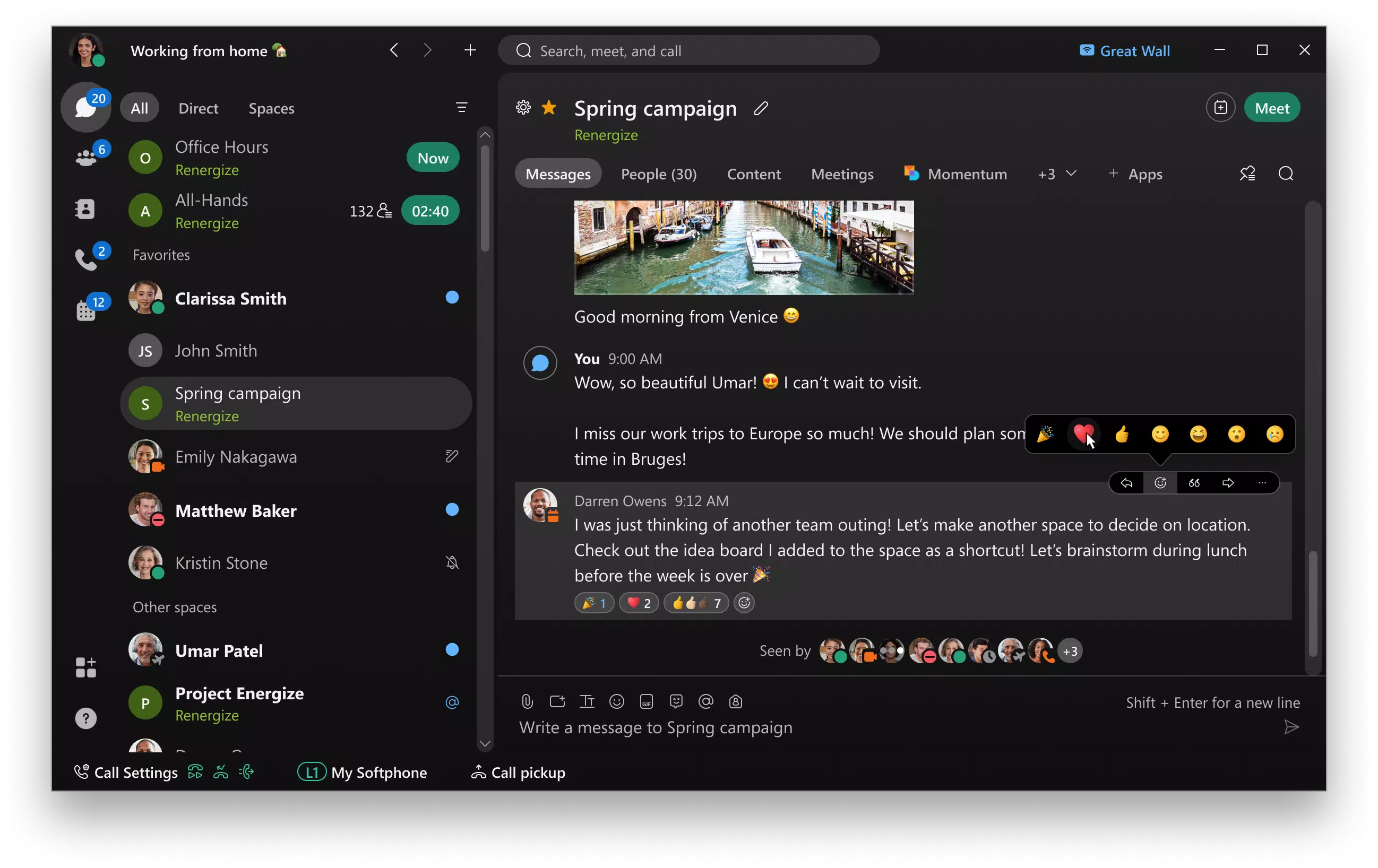
- Seamless Messaging: Real-time messaging allows for continuous collaboration before, during, and after meetings. Users can exchange messages, share files, and collaborate with both internal and external contacts using only email addresses.
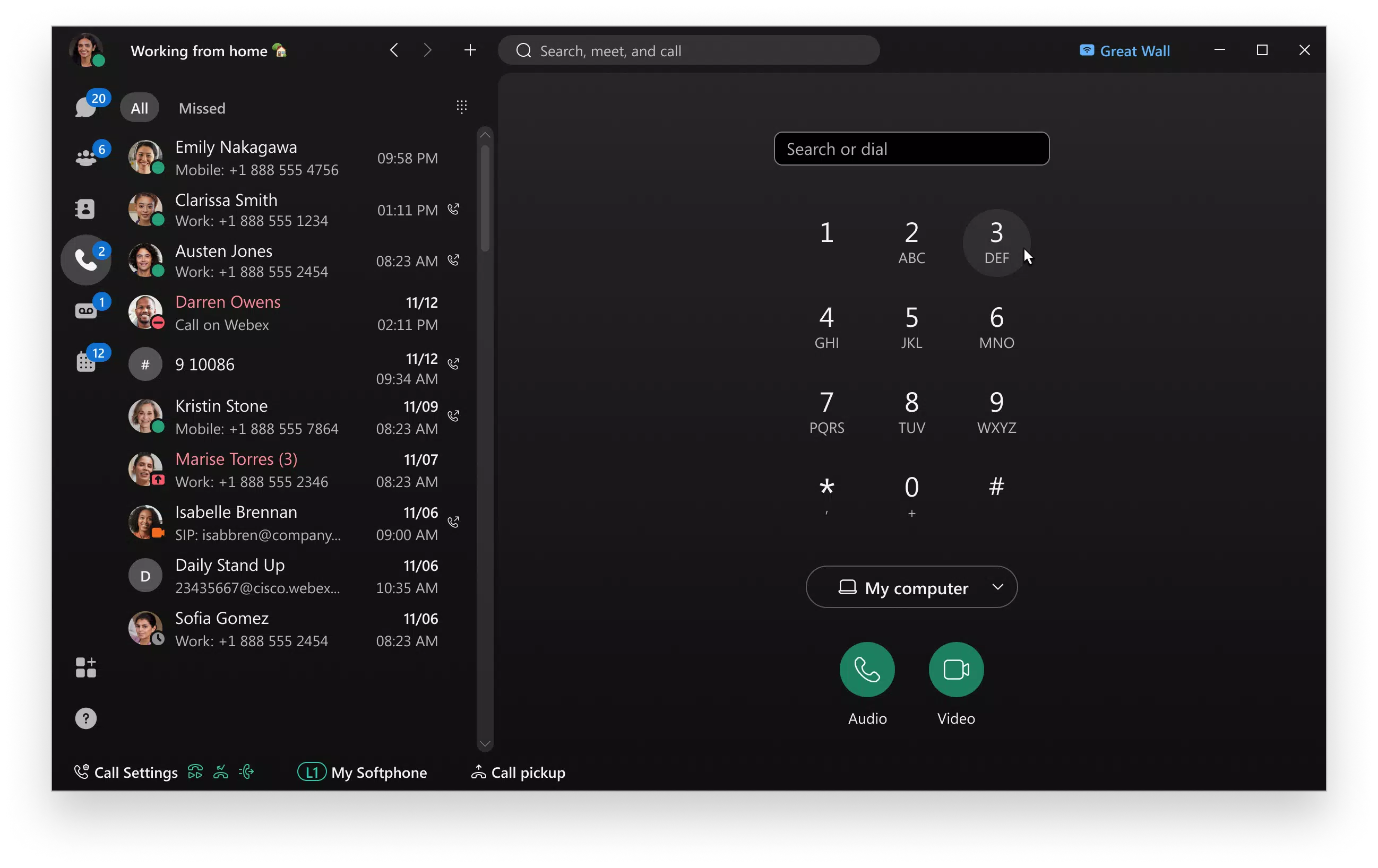
- Business Calling Integration: The app enables users to make and receive business phone calls from any location, with features like visual voicemail and instant call initiation for spontaneous discussions.
- Secure Communication: All data transmissions and file sharing are protected with enterprise-grade encryption, ensuring confidentiality and compliance with privacy standards.
These features collectively support workflows that demand clarity, continuity, and security. For example, a project manager leading a global team can use real-time translation to ensure all members understand critical updates, while using personalized layouts to highlight key contributors during presentations. Meanwhile, team members can follow up via messaging without leaving the app, maintaining workflow momentum.
Interface, UX & Performance
Webex features an intuitive interface that prioritizes accessibility and ease of use. The layout is clean and logically organized, with clearly labeled icons and consistent navigation patterns. Users can quickly switch between meetings, messages, and calls without confusion.
The visual design emphasizes functionality over ornamentation, allowing users to focus on content rather than interface complexity. Navigation is streamlined, with a bottom tab bar that provides instant access to core features. Responsiveness is strong across various device categories, with smooth transitions and minimal lag during video calls and file transfers.
Although the developer did not list formal performance metrics, the app demonstrates stable behavior during extended sessions, with no reported crashes or freezes in typical usage scenarios. The interface adapts well to different screen sizes, ensuring consistent usability on both smartphones and tablets. Audio and video quality remain high under normal network conditions, and the app efficiently manages device resources to minimize battery drain and overheating.
Overall, the user experience is polished and optimized for professional environments where reliability and efficiency are critical.
Platform Compatibility & Technical Requirements
Webex is available on both Android and iOS platforms, making it accessible to a wide range of users across different ecosystems. The current version is 23.1.0, with a file size of 115.6 MB, indicating a lightweight installation that does not consume excessive storage. The app is free to download and use, removing financial barriers to adoption.
Specific requirements such as minimum OS versions or hardware specifications were not listed by the developer. However, given the app’s functionality in video conferencing and real-time communication, it is likely optimized for devices with modern processors, sufficient RAM, and stable internet connectivity. The developer did not specify compatibility with older operating systems or legacy devices.
Users are advised to ensure their devices meet standard requirements for running video-heavy applications to achieve optimal performance.
Pros and Cons
Pros
- Supports real-time translation across over 100 languages for inclusive global collaboration.
- Intuitive interface suitable for users of all technical skill levels.
- Seamless integration of video meetings, messaging, and calling in one app.
- Advanced audio processing improves clarity in noisy environments.
- Enterprise-grade security ensures safe communication and file sharing.
- Free to download and use with no in-app purchases.
Cons
- Specific technical requirements were not disclosed by the developer.
- App size may increase with updates, though current size is modest.
- Some advanced features may require a business subscription or additional licensing.
- Performance may vary on older or low-end devices without clear compatibility details.
- Real-time translation may have slight delays depending on network speed.
FAQ
Is Webex safe to use for business communications?
Yes, Webex employs enterprise-grade encryption and security protocols to protect all communications and data sharing, making it suitable for sensitive business interactions.
Can I use Webex without a paid subscription?
Yes, the app is free to download and use, offering core features such as video meetings, messaging, and calling. However, some advanced functionalities may require a business account or subscription.
Does Webex work on both Android and iOS?
Yes, Webex is available on both Android and iOS platforms, ensuring broad compatibility across mobile devices.
How often is Webex updated?
The app receives regular updates to improve performance, add new features, and enhance security. The latest version is 23.1.0, released on March 28, 2024.
Can I share files with external users?
Yes, Webex allows secure file sharing with external collaborators using only their email address, enabling seamless collaboration beyond internal teams.
Final Thoughts
Webex stands out as a powerful, all-in-one solution for modern remote and hybrid work environments. Its blend of real-time translation, intelligent audio processing, secure messaging, and integrated calling makes it a reliable tool for teams across industries. The intuitive interface ensures that users can adopt the app quickly, while its focus on security builds trust in high-stakes communications.
Whether managing a global project team or coordinating daily operations, Webex delivers consistent performance and value. The free availability enhances accessibility, allowing individuals and organizations to benefit without upfront costs. For professionals seeking a secure, feature-rich platform that supports seamless collaboration, Webex is a top-tier choice.
Download Webex now.


